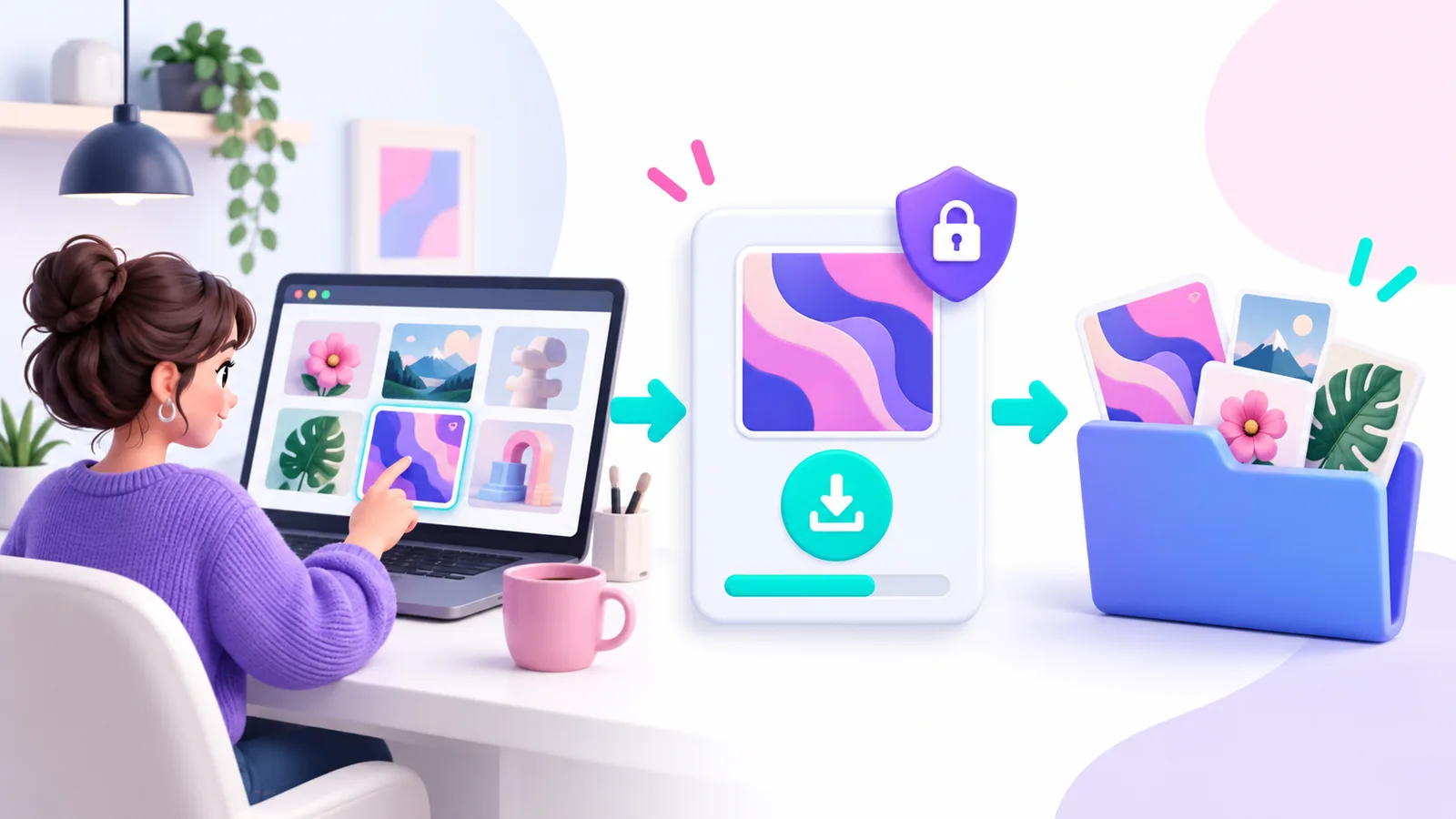
Digital products are delivered as files. A good purchase starts by reading the listing and ends by saving the download somewhere you can find it again.
1. Check the product before purchase
Read the description, review the previews and confirm the file formats will work with your software. Look for the included file types, dimensions, editable layers or sources, and the license options offered for that product.
2. Choose a license that fits the project
Use the license information on the product page and in the documentation before checkout. The chosen license determines how you may use the asset. If the intended use is unclear, ask support before you publish, print or redistribute a project.
3. Complete checkout from your account
Sign in before paying so the order is connected to your purchase history. Keep the order email for reference. Do not share a downloaded archive or account access with others unless the license specifically allows it.
4. Download and save the files
Open your purchase history after payment and download the product from the order. Save the original archive in a named folder before extracting it. This keeps the purchased original separate from edited copies and makes it easier to return to the download later.
5. If a download does not work
First try a current browser and stable connection. Confirm that the download has finished before opening the archive. If the file will not open, keep the order details and send support the product link, order information and a brief description of what happened.